, 1 min read
Citrix Alt Gr Keyboard Problem
Original post is here eklausmeier.goip.de/blog/2026/04-24-citrix-alt-gr-keyboard-problem.
1. Problem statement: You access a Windows machine, while running on Linux using Citrix. You can no longer type characters like ~, |, [, ]. These are characters where you must press the key Alt Gr on a German keyboard.
2. Solution.
The following configuration added to ~/.ICAClient/wfclient.ini solves the issue:
KeyboardType = 0
KeyboardEventMode = Scancode
KeyboardSyncMode = No
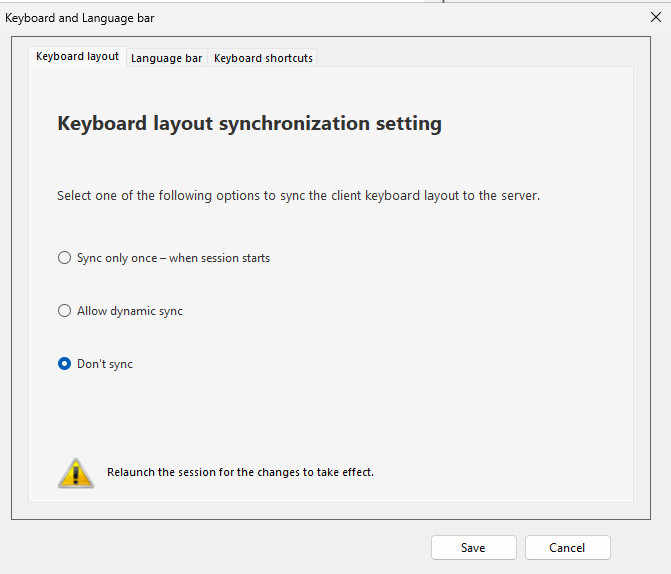
In Windows I set "Keyboard synchronization setting" to "Don't sync".
3. Derivation of solution. This time it was Grok, which after three questions just replied with the solution given above.